
The hardest part of the job search isn't the rejection; it's the silence.
You send an application. You wait. You check your email. You wait some more. The anxiety of "did they see it?" can lead to impulsive decisions—like emailing a recruiter three times in one week (don't do that) or giving up entirely.
To maintain your sanity, you need a protocol. You need the 14-Day Rule.
Quick Answer: What is the 14-Day Rule?
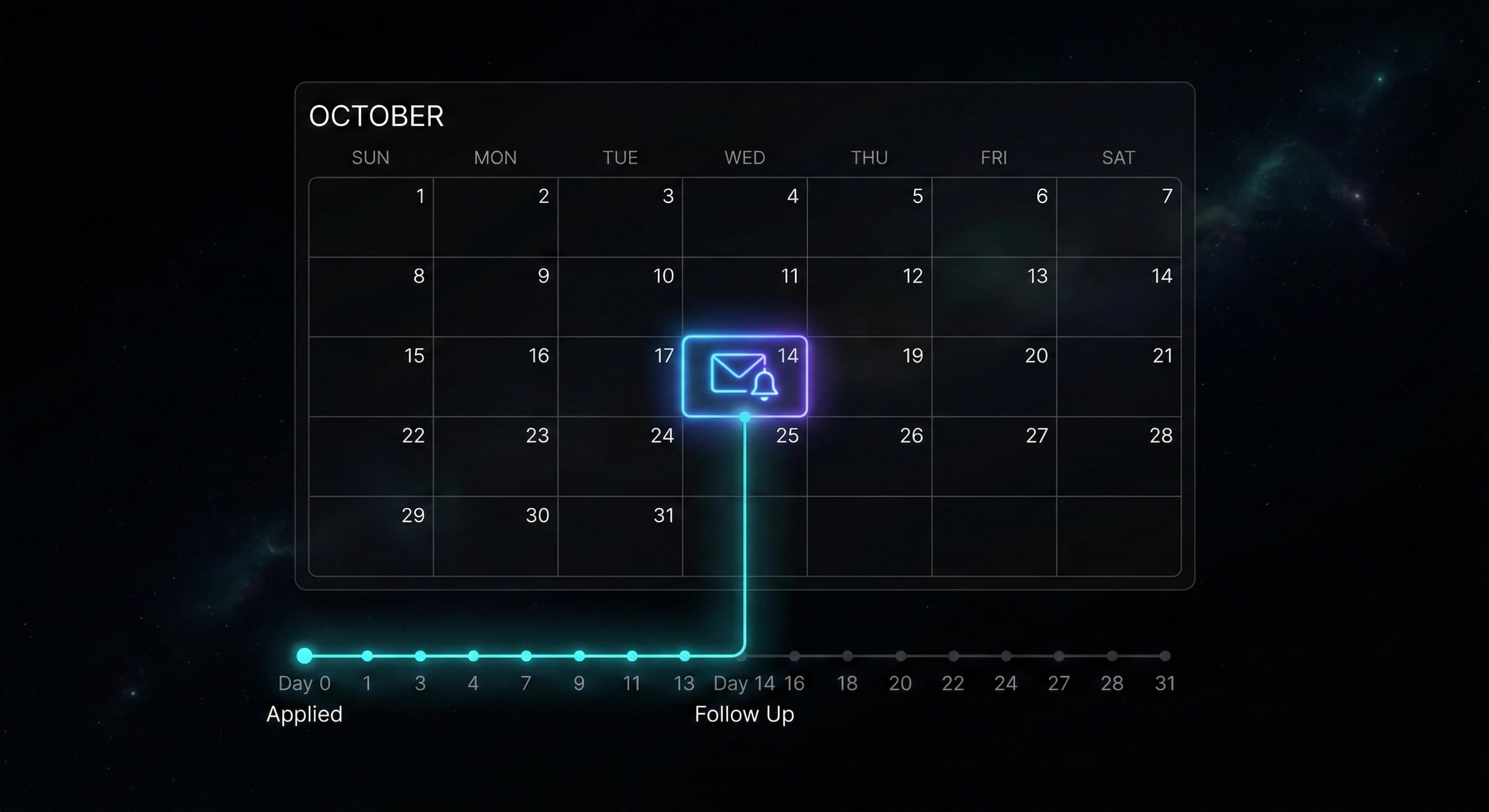
The 14-Day Rule is a rigid boundary for your follow-up strategy:
- Day 0: You apply.
- Day 1–13: You do nothing. You focus on applying to other roles.
- Day 14: If you have heard nothing, you send one follow-up email.
- Day 21: If you still hear nothing, you archive the application as "Ghosted" and move on.
This rule removes the guesswork. It turns an emotional "what if" into a simple calendar event.
How to Track This Without Spreadsheets
If you are applying to 50 jobs, you cannot keep these dates in your head. You need a system that flags them for you.
1. Sort by "Last Updated"
In StatusFlow, you don't need to manually calculate dates. Just look at your table.
- The "Date Applied" column is your anchor.
- Sort your table by Last Updated.
- If a row says "14 days ago" and the status is still "Applied," it is time to act.
2. The "Stalled" Alert
StatusFlow visualizes stagnation. When you scroll through your high-density table, rows that haven't moved in weeks naturally drift to the bottom or become visually distinct. This is your cue: Up or Out. Either follow up (Up) or Archive it (Out).
3. The One-Touch Follow-Up
Once you send the email, update the status to "Followed Up" or add a Note. This resets the "Last Updated" clock, so you know you've taken action.
The Perfect Follow-Up Template
Keep it short. Recruiters are busy, not malicious.
Subject: Following up on [Role Name] application - [Your Name]
Hi [Hiring Manager Name],
I applied for the [Role Name] position two weeks ago (on [Date]). I know you're likely swamped with applications, but I wanted to reiterate my strong interest in this role.
Since applying, I've [mention a small win, e.g., published a project/article], which I think is relevant to [Company Goal].
I've attached my resume again for convenience. I'd love to discuss how I can help the team.
Best, [Your Name]
Common Mistakes
- The "Pestering" Follow-Up: Sending an email every 3 days guarantees rejection. It shows you don't understand professional boundaries.
- Following Up on "Easy Apply" Roles: If you applied via a "1-Click" button on LinkedIn along with 2,000 others, a follow-up is rarely effective. Save your energy for roles where you applied on the company site.
- Expecting a Reply: The goal of the follow-up is not necessarily to get a reply; it is to bump your resume to the top of the inbox. Even if they don't reply, they might click your profile.
Frequently Asked Questions
What if I can't find a contact email?
If you can't find a hiring manager or recruiter email (using tools like "Backdoor" tool on StatusFlow.ca, that can predict a user's email based on company email format), do not email the generic support@company.com. It is better to just wait or reach out to a peer on LinkedIn for advice.
Should I call them? No. In 2026, an unsolicited phone call regarding a job application is considered intrusive and outdated. Stick to email or LinkedIn.
Does "Archiving" mean deleting? In StatusFlow, no. Archiving just hides it from your main "Active" view so it doesn't clutter your mind. You keep the data for your analytics.
What if they reply "We are still reviewing"? Great. That resets the clock. You wait another 14 days. Do not reply instantly with "Okay thanks!"—just let them work.
Respect your own time
The 14-Day Rule isn't just about getting hired; it's about protecting your mental health. It gives you permission to stop worrying about an application for two full weeks.
Use a tracker that keeps the time for you, so you can focus on what you can control: the next application.