
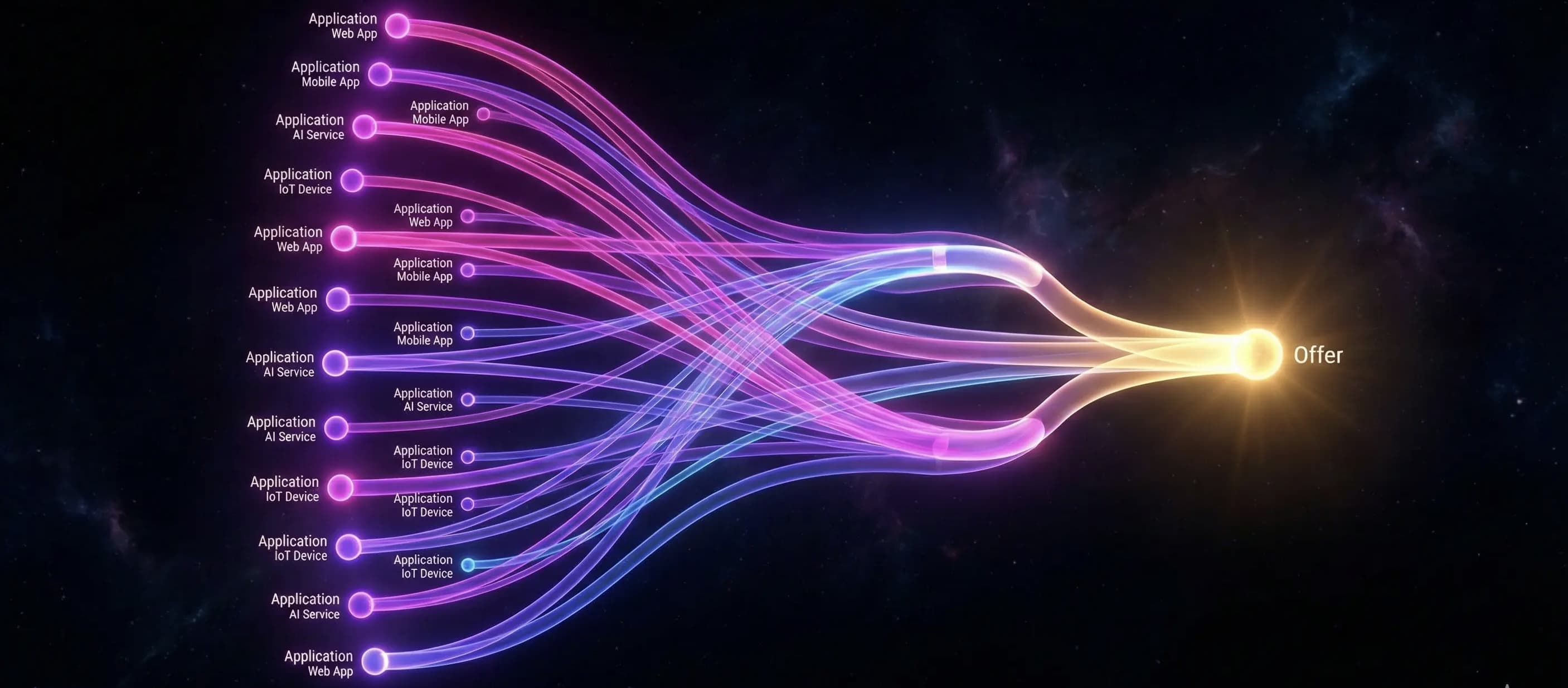
If you spend time on data-focused subreddits (like r/dataisbeautiful), you have likely seen them: colorful flow charts showing a job seeker’s journey from 100 applications down to 1 job offer. These are called Sankey diagrams.
While they look cool, they are more than just internet points. A Sankey diagram is the single best diagnostic tool for a struggling job search. It instantly reveals the "leaks" in your funnel.
The problem? Most tools require you to manually build them. StatusFlow builds them for you automatically. Here is how to use one to fix your strategy.
Quick Answer: What is a Job Search Sankey?
A Sankey diagram is a visualization of flow. In the context of a job search, the width of the lines represents the number of applications moving from one stage to the next.
- Left Side: Total Applications (The Input)
- Middle: Interviews, Screens, Assessments (The Filter)
- Right Side: Offers and Rejections (The Output)
By looking at the "drop-off" points (where the lines stop or turn red), you can scientifically determine if your problem is your resume or your interviewing skills.
The Diagnosis: How to read your Funnel
Your job search is a sales funnel. A Sankey diagram makes the conversion rates of that funnel visible. Here are the two most common patterns and how to fix them.
Scenario A: The "Resume Block"
The Pattern: You have a massive bar for "Applied" (e.g., 100 jobs), but a tiny sliver flowing into "Interview" (e.g., 2 jobs). The Diagnosis: Your resume is not working. You are failing at the top of the funnel. The Fix:
- Stop applying.
- Rewrite your resume to focus on metrics and results.
- Tailor your keywords to the job description.
- Do not practice interviewing yet; you aren't getting that far.
Scenario B: The "Closer's Block"
The Pattern: You have a healthy flow from "Applied" to "Interview" (e.g., 20 interviews from 100 apps), but the lines all end in "Rejected" after the interview stage. The Diagnosis: Your resume is great, but your interviewing skills are weak. The Fix:
- Your experience is validated (they want to talk to you).
- Focus entirely on behavioral questions (STAR method).
- Work on your "Tell me about yourself" pitch.
With StatusFlow, every time you change a dropdown status from "Applied" to "Interview," your Insights dashboard updates the Sankey diagram automatically.
Common Mistakes When Visualizing Search Data
- Waiting too long to check: Don't wait until you've sent 200 applications to look at your data. Check your Sankey every 20 applications. If the "Interview" line is thin, pivot immediately.
- Inconsistent Statuses: For a Sankey to work, you need clear stages. Don't use vague statuses like "Thinking about it." Use clear gates: Applied, Screen, Interview, Offer.
- Ignoring the "Ghosted" Pile: A large chunk of your Sankey might be "No Reply." This is normal market noise. Focus on the active rejection vs. interview ratio.
Frequently Asked Questions
What is a good application-to-interview rate? Generally, a 10-20% conversion rate from Application to Initial Screen is considered healthy. If you are below 5%, your resume or targeting needs adjustment.
Can I export my StatusFlow Sankey? Yes. You can take a screenshot of your Insights dashboard to share on LinkedIn or Reddit. It is a great way to document your journey.
Do I need to be a data scientist to use this? No. StatusFlow is built for regular job seekers. You just add jobs and update statuses; the visualization engine handles the math.
Does this work for low-volume searches? Sankey diagrams are most useful when you have at least 10-15 data points. For very low volume, a simple list (StatusFlow's table view) is sufficient, but the visual helps as you scale.
Stop applying in the dark
Applying to jobs without looking at your funnel is like driving with your eyes closed. You might get there, but you'll hit a lot of walls along the way.
Turn the lights on. Use a tool that visualizes your effort so you can work smarter, not harder.