
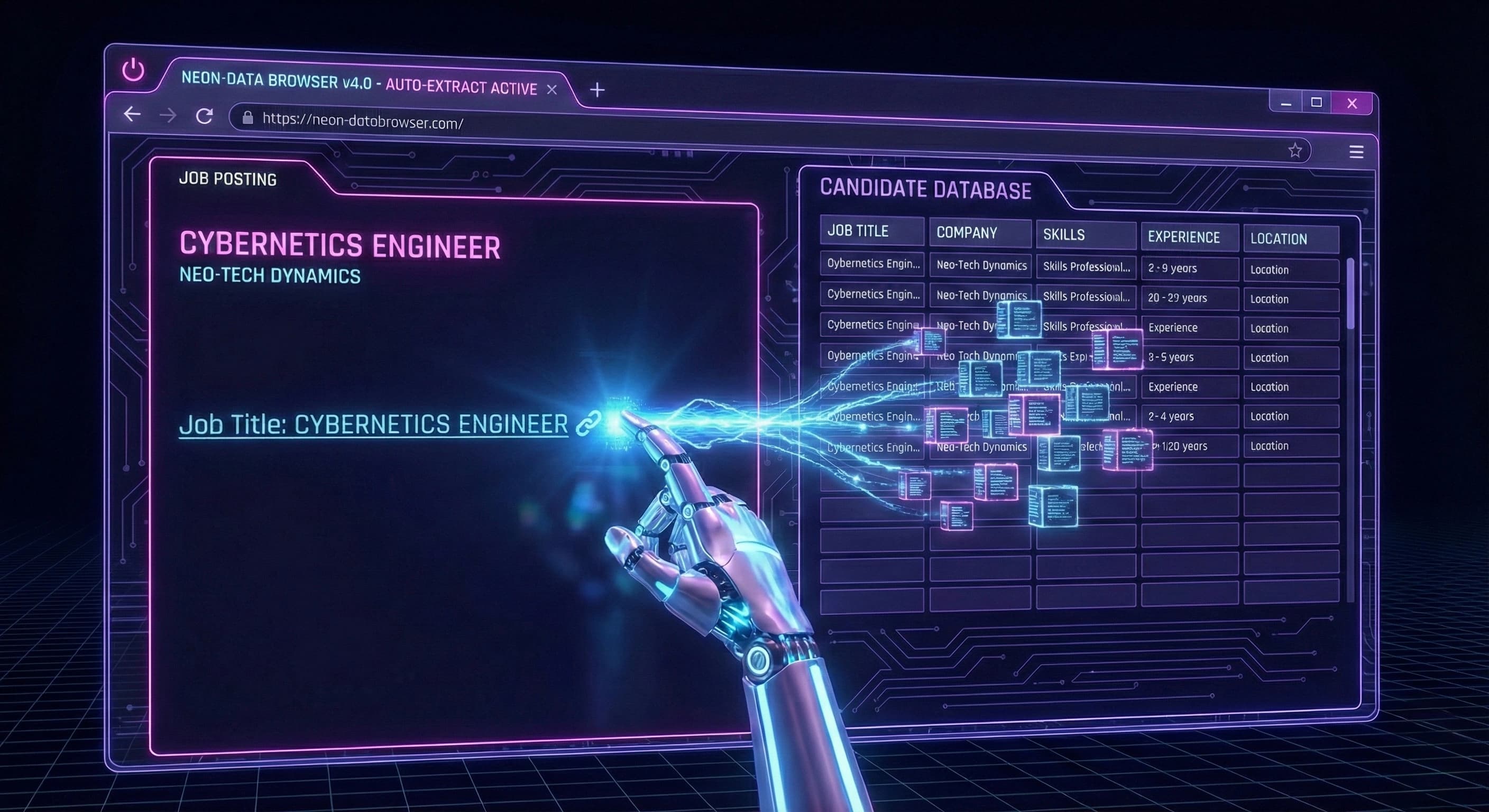
There is a specific kind of burnout that comes from highlighting a job title, hitting Ctrl+C, switching tabs to a spreadsheet, hitting Ctrl+V, and then repeating the process for the Company Name, URL, Salary, and Location.
If you apply to 10 jobs a day, that is 40–50 manual copy-paste actions. Over a month, that is 1,500 wasted clicks.
In 2026, manual entry is obsolete. The most successful candidates use automatic job application fillers and tracker extensions to reclaim their time. Here is how to automate the boring stuff so you can focus on the interview.
Quick Answer: How to automate job tracking
The fastest way to apply is to stop being a data entry clerk. Instead of manually typing details into a tracker, use a Browser Extension.
Tools like the StatusFlow Extension allow you to:
- Navigate to a job post on LinkedIn, Indeed, or Greenhouse.
- Click a single button in your browser toolbar.
- Automatically parse and "Auto-Fill" the Job Title, Company, URL, and Description into your database.
The Two Types of "Auto-Fill"
To build a perfect stack, you need to understand the difference between the two main types of automation tools.
1. Form Fillers (The "Appliers")
These tools (like Chrome's autofill or niche AI fillers) focus on filling out the company's application form. They type your name, address, and upload your resume.
- Goal: Submit the application faster.
- Limitation: They don't usually keep a record of what you applied to.
2. Tracker Fillers (The "Organizers")
These tools (like StatusFlow) focus on capturing the data for your records. They scrape the page to create a permanent log of the job description, salary, and date applied.
- Goal: Organize the search and generate analytics.
- Why you need it: If you don't track what you applied to, you won't know how to follow up.
The Pro Strategy: Use a tracker extension to capture the job first, then use a form filler to submit. This ensures you never lose a lead.
Why "One-Click Capture" Wins Interviews
Speed is a competitive advantage. When a new role drops on LinkedIn, the first 50 applicants often get the most attention.
If you spend 15 minutes setting up a spreadsheet row, you are falling behind. By using an auto-fill extension, you reduce the "Administrative Overhead" of applying from minutes to seconds.
Real-world math:
- Manual Entry: 3 mins per job × 100 jobs = 5 hours of data entry.
- StatusFlow Auto-Fill: 5 seconds per job × 100 jobs = 8 minutes.
You just saved ~5 hours—enough time to prep for two high-stakes interviews.
Common Mistakes with Automation
- Trusting the parser blindly: Always double-check the "Salary" field. Sometimes parsers grab the wrong number if the job description is formatted poorly.
- Not saving the Job Description: A link is not enough. Companies often take down the post once they start interviewing. A good auto-filler (like StatusFlow) saves the text of the description so you can prep for the interview even after the link is dead.
- Forgetting to update status: Capturing the job is Step 1. Remember to change the status to "Applied" once you actually hit submit.
Frequently Asked Questions
Does this work on all job boards? Most modern extensions work on major platforms like LinkedIn, Indeed, Glassdoor, and ATS links (Greenhouse, Lever, Workday).
Is it safe to use these extensions? Yes, as long as you use reputable tools from the Chrome Web Store. StatusFlow only reads the data on the page you are currently viewing to capture the job details.
Can I export the data later? Yes. Data captured via the extension goes directly into your StatusFlow table, which can be exported or visualized on your Insights dashboard.
What is the keyword "automatic job application filler"? This refers to software that detects input fields on a job application and fills them with your profile data. It is often used interchangeably with "job tracker extensions" that fill your personal database.
Stop typing, start applying
Your brain is for storytelling, strategy, and negotiation. It is not for copy-pasting text.
Let the software handle the data entry. Upgrade your workflow with a tool that respects your time.
Get the StatusFlow extension and never copy-paste a job title again.